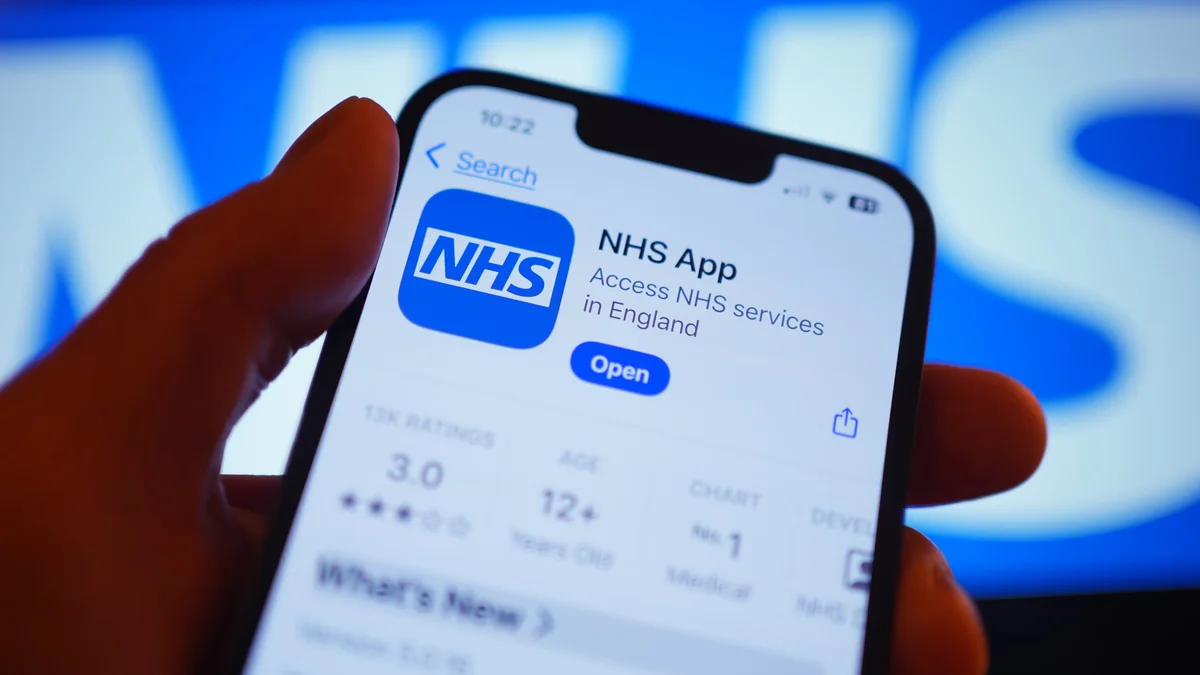
The NHS App is the fastest route to a repeat prescription, once it is set up. The setup is the part people get stuck on.
You need photo ID and a short video of your face, or a login your GP has already given you. It is a one-off, and it is worth pushing through — the app then covers prescriptions, records and appointments.
Under prescriptions, choose a nominated pharmacy and search for the branch you want. Once set, every future prescription is sent there electronically.
Pick the items you actually need, not everything on the list. Ordering medicines you already have at home is how people end up with a cupboard full of stock they will never use, and it is money out of the same NHS budget that pays for the rest of your care.
Items outside the repeat cycle, acute prescriptions and anything the surgery wants reviewed will not appear. That is the surgery's decision, not the app failing. Ring them — usually it is a review that has fallen due.
Your order goes to the GP first, not to us. We only see it once the surgery has approved and sent it, which is why "I ordered it yesterday" and "it is not here yet" are both true more often than you would think.
We use essential cookies to make the site work — things like your basket, sign-in and secure checkout. With your permission we’d also like to use analytics cookies to understand how the site is used and improve it. See our cookie policy.